Simplify your storage experience with the Shurgard app
Open gates. Pay invoices. Manage your account. Do it all with your phone.
Open gates. Pay invoices. Manage your account. Do it all with your phone.

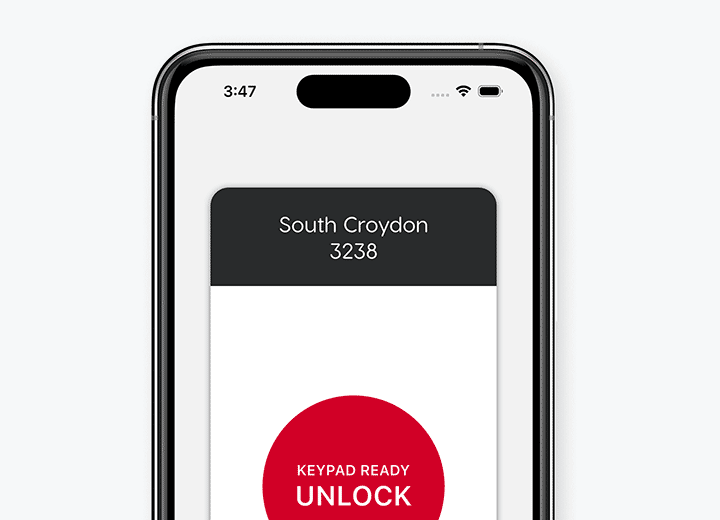
No need to use keypads or other common touch points. Once you’re within range of a gate or door, simply tap your phone to open it.
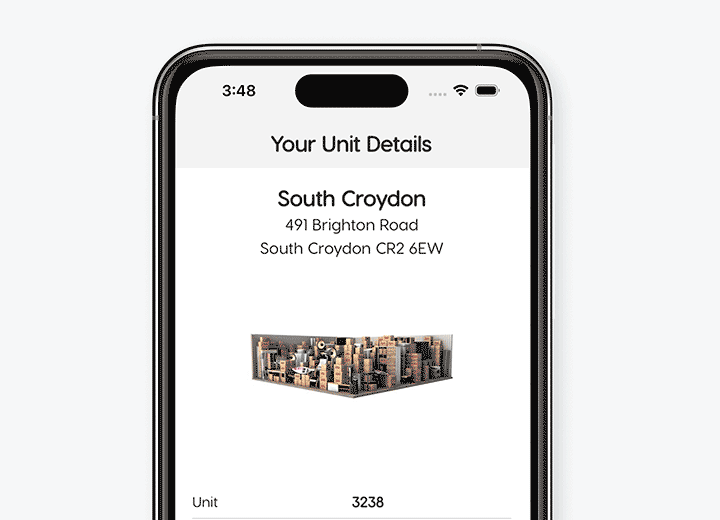
Check your storage unit details, update your profile or payment preferences without a call or visit to your storage location.
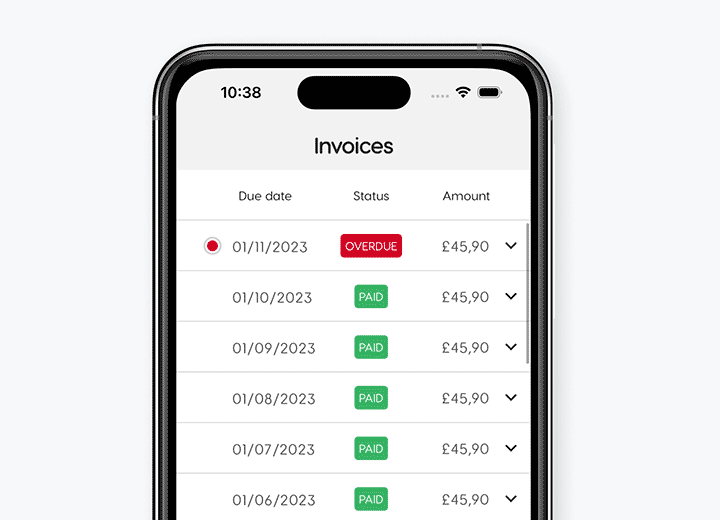
Consult and pay your invoices in just a few seconds. Set up Autopay and never miss another payment.
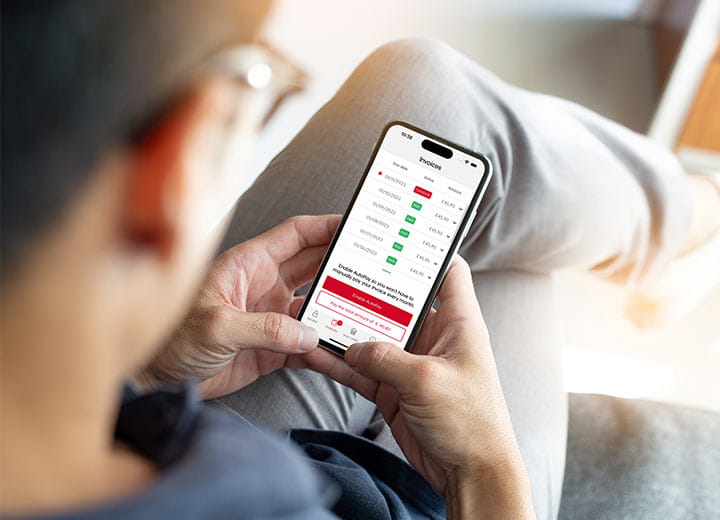
Search for Shurgard on the App Store or Google Play Store and download our free app.
Set up the app with your Shurgard account to open gates, pay invoices, and manage your account all with one touch.
Set up the app as guest user to easily open gates and doors when visiting our facility.
You can download the app from the Apple App Store or Google Play Store. Once installed, open the app and follow the steps to get started.
Enter the email address linked to your Shurgard account. We’ll send a verification code to this email address. Enter this code in the app to sign in.
First, check your spam or junk folder. Make sure you entered the correct email address and request a new verification code if needed.
If you still don’t receive the code, contact us for help.
When you sign in, the app automatically loads all active Shurgard profiles linked to your email address.
If something is missing, check that you’re using the same email address you provided to Shurgard.
Open the app when you’re at your location. The app will detect the gates, doors and elevators near you. Tap to open it.
Bluetooth needs to be enabled for the app to communicate with the keypad beacon so you can open the gate with your phone.
Android devices also require Location Services to communicate with the keypad beacon.
Try these steps:
How to check that the Shurgard app has permission to use Bluetooth?
How do I restart the app?
On iPhone:
On Android:
The steps may vary slightly depending on your phone.
Even if Bluetooth is turned on, the Shurgard app may not have permission to use it. Try these steps:
How to check that the Shurgard app has permission to use Bluetooth?
How do I restart the app?
On iPhone:
On Android:
Try these steps:
How do I restart the app?
On iPhone:
On Android:
Yes. Download the Shurgard app on your new phone and sign in using the email address linked to your Shurgard account.
We’ll send you a verification code to confirm your email address. Your active Shurgard profiles will then load automatically.
No. Your access starts on your move-in date. Even though you can already sign in to the app and see your account, you won’t be able to access the location before then.
When you’re signed in to your account, the app automatically loads your access details, so you no longer need your access code.
You will only need your access code if you want to use Guest Mode.
Yes. You can install and set up the app on multiple phones so family members or suppliers can also access your unit.
Anyone who isn't the primary account holder can easily set up the app using Guest Mode.
Yes. The app can be used to access your Shurgard location even when you have poor or no internet connection.
Just make sure you open the app while you still have an internet connection before entering an area with poor or no signal.
Open the Shurgard app while you still have an internet connection. This allows the app to load the information it needs for offline access.
You can then continue using the app when you enter an area with poor or no signal.
The app needs to be opened while you have an internet connection before you enter an area with poor or no signal.
Return to an area with an internet connection, open the app and try again.
No. You’ll need an internet connection to sign in again. Once signed in, open the app while you’re online before entering an area with poor or no signal.
Account Mode gives you the full Shurgard app experience. Sign in with the email address linked to your Shurgard account to:
Guest Mode provides quick access to a Shurgard location without signing in. Simply select your location and enter your access code. Account information and other account features are not available in Guest Mode.
For the best experience, we recommend using Account Mode.
Guest Mode is designed for family members, relatives, suppliers or contractors of Shurgard customers who need access to a Shurgard location.
Simply select the Shurgard location and enter the access code provided to you.
Open the app, tap on "Guest" in the app menu, and choose the option to sign in. Enter the email address linked to your Shurgard account and verify it using the code we send you.
Your active Shurgard profiles will then be loaded automatically.
Make sure to use the same email address that is linked to your Shurgard account. This ensures your app account connects to your Shurgard account.
Yes. Once signed in, you can see your active Shurgard profile and storage unit details.
First, check that you signed in with the exact email address linked to your Shurgard account. If your unit is still not visible, contact us so we can check your account.
You can manage certain account details in the app. If the information you want to change can’t be updated, please contact us.
If you rent your units using different email addresses, you will need to create a separate account for each email address.
Use the "Sign out" option under the "Profile" section (the last menu item on the right, showing your profile name) to switch between different accounts.
Yes. You can see your invoices from your account in the app.
Yes. If you have an outstanding balance, you can make a payment directly in the app.
Please note that it might take up to 15 minutes for your invoice status to be updated.
Yes. Next to each invoice, there is an arrow. Tap on it to view the details of your invoice. To see the full invoice document, tap on "Show invoice".
Yes. Next to each invoice, there is an arrow. Tap on it to view the details, then tap on "Show invoice". You will have the option to share the invoice from the top right corner of the screen.
You can manage your payment method from your account in the app.
Please note that it might take up to 15 minutes for your AutoPay status to be updated.
Disabling AutoPay means you will need to manually pay your invoice each month.